All resources
Mods

AI Chatgame Solver

Solve Chatgames EZ

Reads the game. Types the answer.

Reads the game. Types the answer.

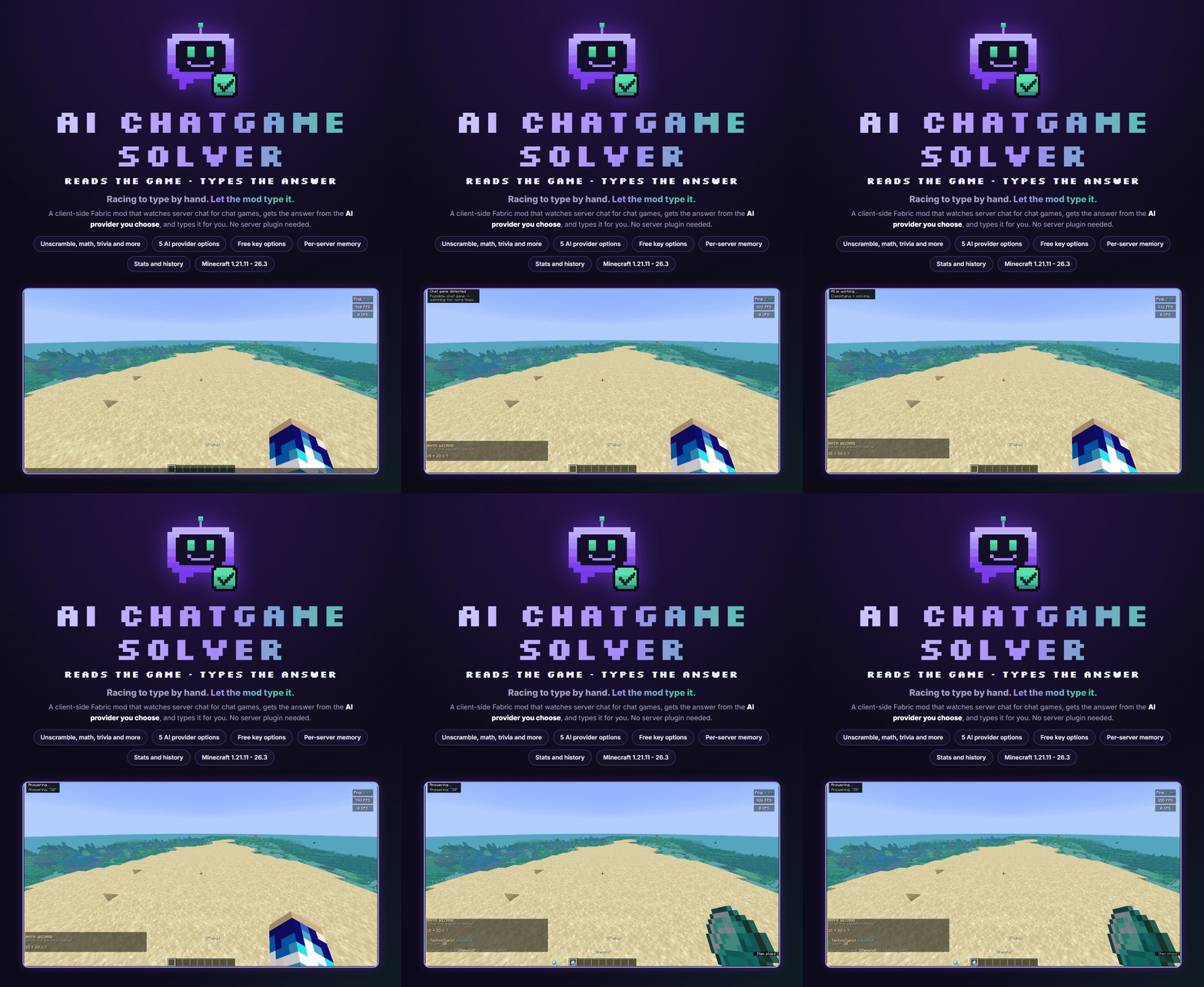
AI ChatGame Solver is a client-side Fabric mod. It watches server chat for chat games, gets the answer from the AI provider you choose, and types it for you. No server plugin is needed.
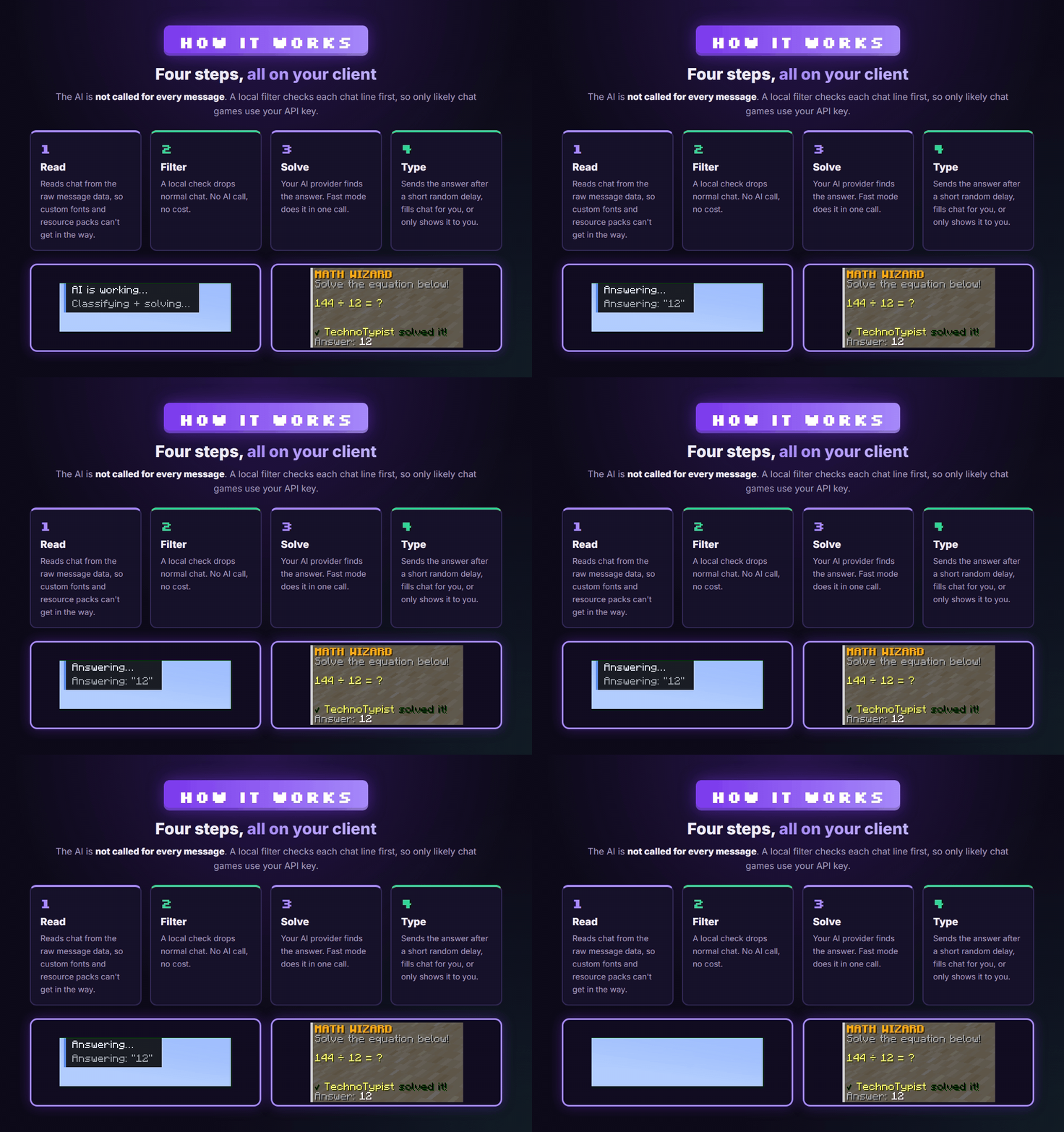
Four steps, all on your client

The mod reads chat from the raw message data, so custom fonts and resource packs can't get in the way. A local filter drops normal chat with no AI call. Your AI provider then finds the answer, and the mod sends it after a short random delay. You can also have it fill the chat box so you press Enter yourself, or only show the answer to you.
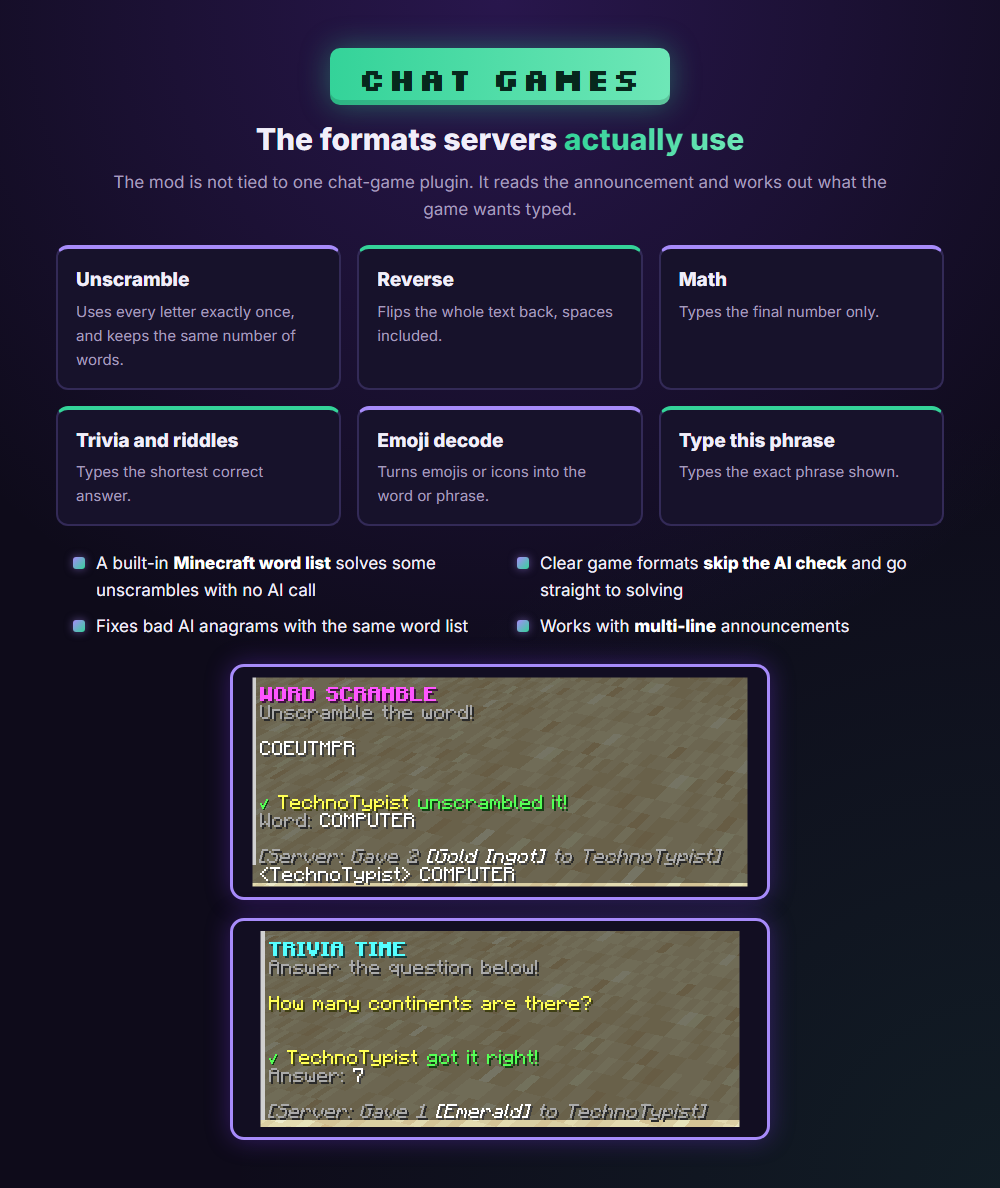
The formats servers actually use

The mod is not tied to one chat-game plugin. It handles unscramble, reverse, math, trivia, riddles, emoji decode and type-this-phrase rounds. A built-in Minecraft word list solves some unscrambles with no AI call.
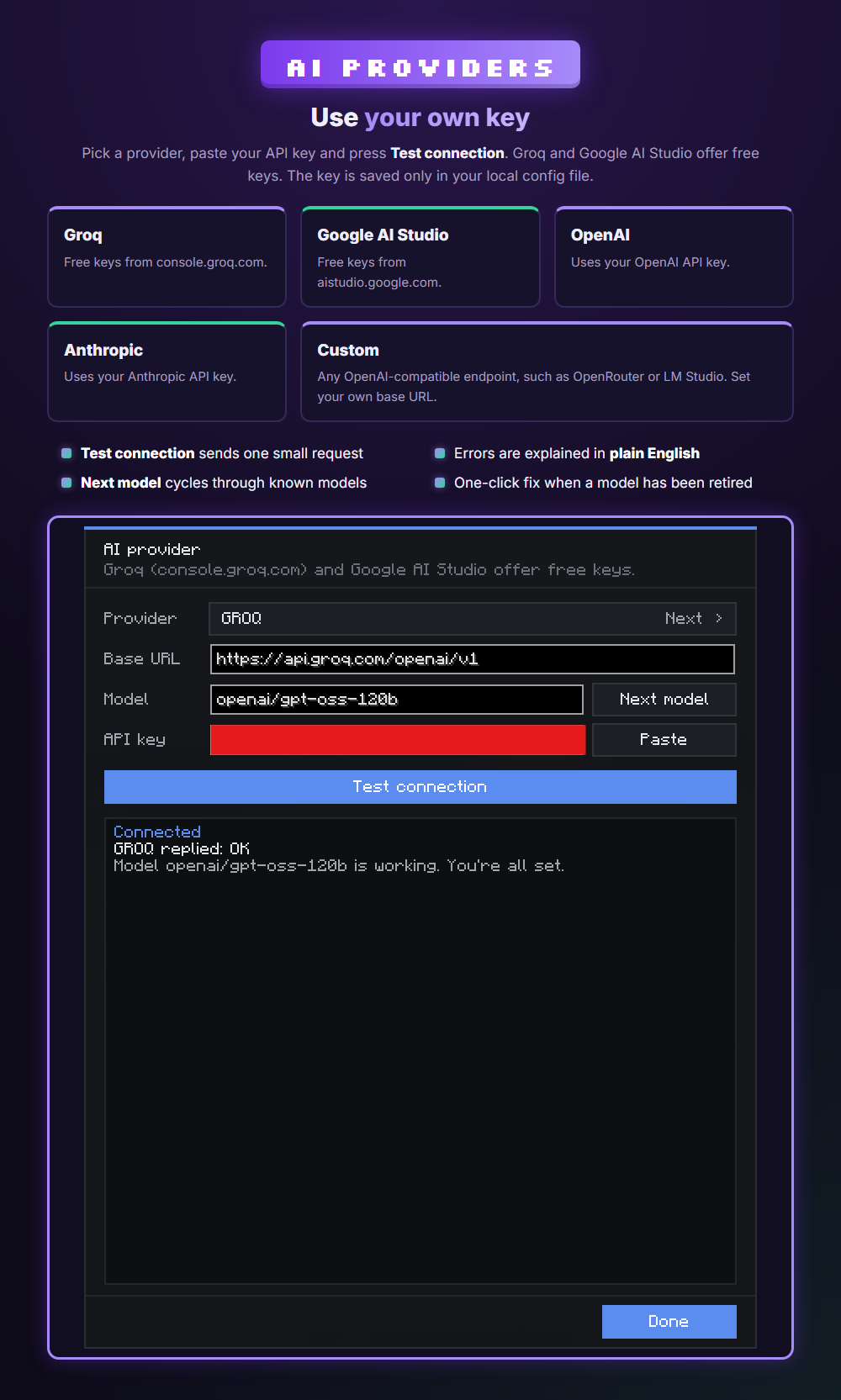
Use your own key

Choose Groq, Google AI Studio, OpenAI, Anthropic or any OpenAI-compatible endpoint. Groq and Google AI Studio offer free keys. Paste your key and press Test connection. If something is wrong, the mod explains the error in plain English. Your key is saved only in your local config file.
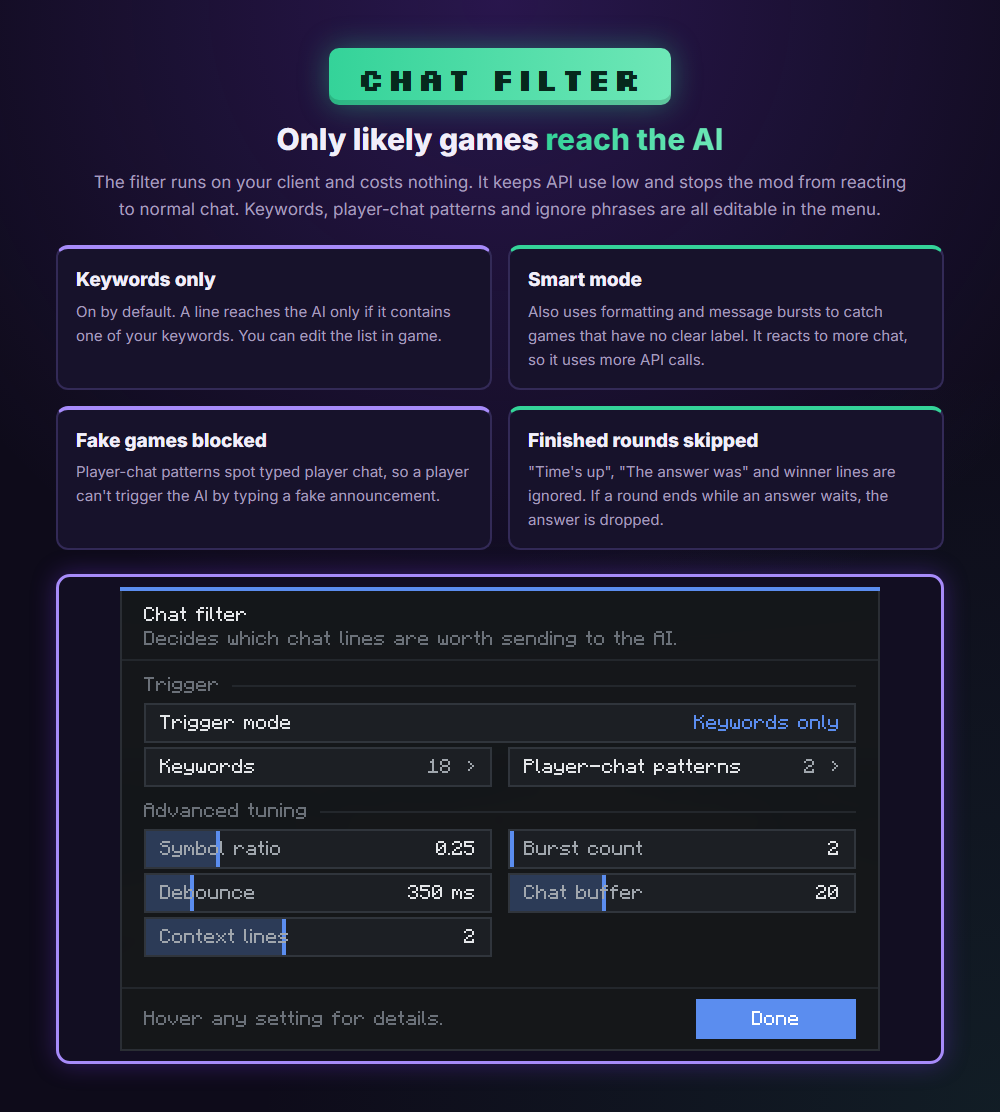
Only likely games reach the AI

Keywords only mode is on by default, so a line reaches the AI only if it contains one of your keywords. Smart mode also uses formatting and message bursts to catch games with no clear label. Typed player chat can't pass as a game, and finished rounds are ignored. You can edit the keywords, player-chat patterns and ignore phrases in the menu.
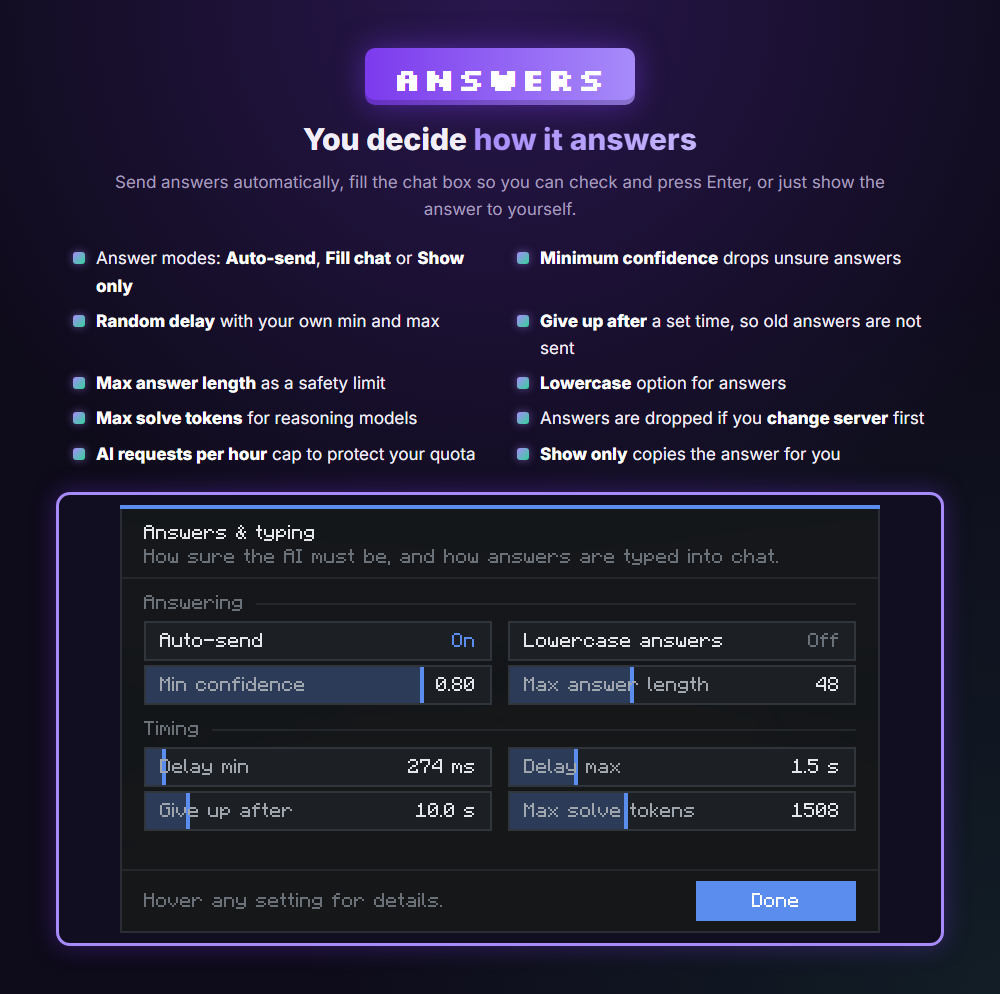
You decide how it answers

Choose an answer mode: Auto-send types and sends the answer, Fill chat lets you press Enter yourself, and Show only puts the answer in your chat (only you see it) and copies it. Set a minimum confidence, a random delay range, a time limit and a maximum answer length. An optional cap on AI requests per hour protects your free-tier quota. Answers are dropped if they get too old, if the round ends first, or if you change server.
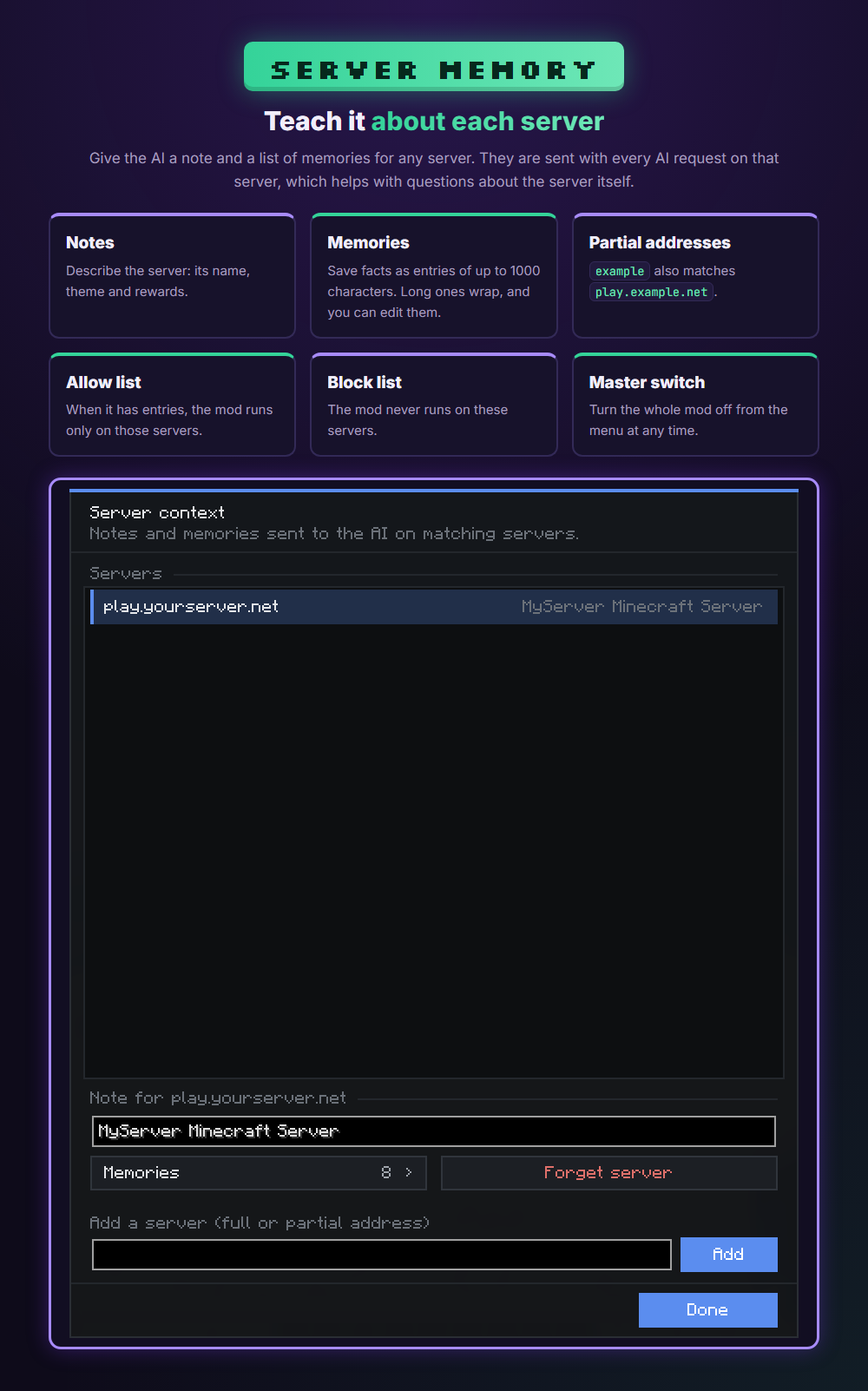
Teach it about each server

Save a note and a list of memories for any server. They are sent with every AI request on that server. Use the allow and block lists to choose where the mod runs.
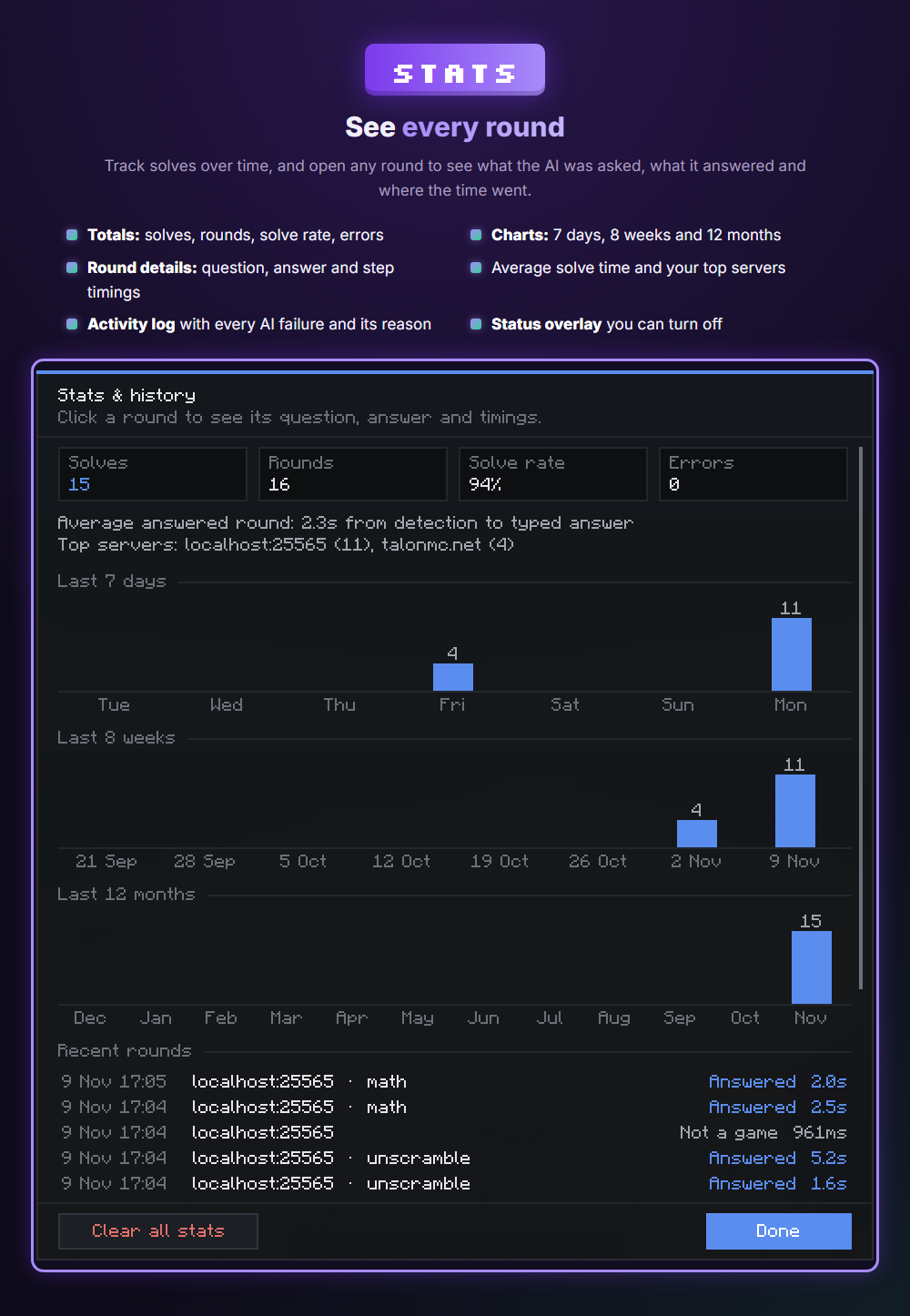
See every round

Track solves, rounds, solve rate and errors, with charts for 7 days, 8 weeks and 12 months. Open any round to see the question, the answer and the step timings. The activity log shows every AI failure and its reason.
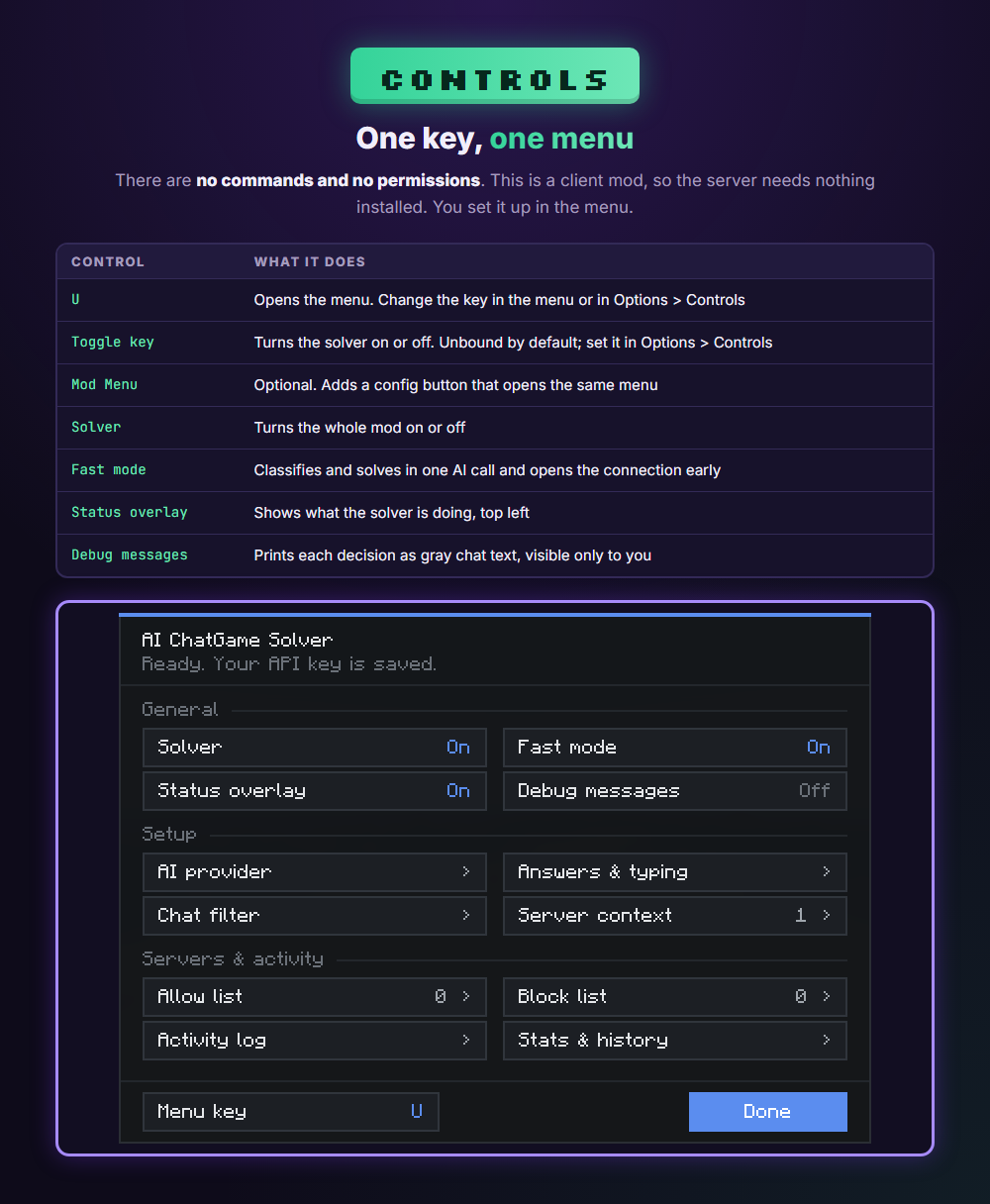
One key, one menu

There are no commands and no permissions. Press U to open the menu, or change that key to any other. You can also bind a key in Options > Controls that turns the solver on or off. If you use Mod Menu, the mod also adds a config button there.
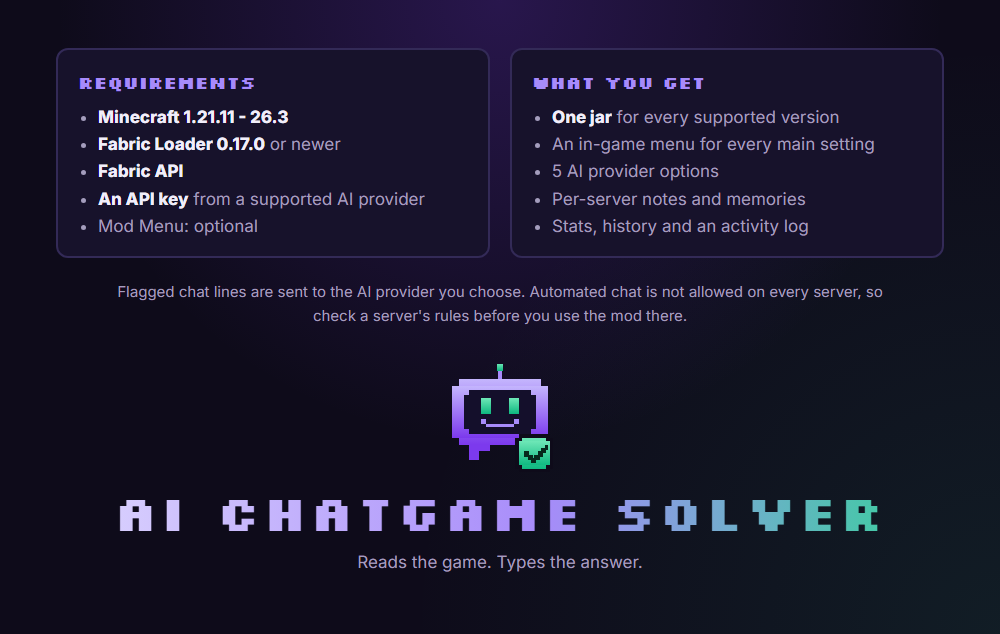
Flagged chat lines are sent to the AI provider you choose. Automated chat is not allowed on every server, so check a server's rules before you use the mod there.

Changelog

v1.0.14

Unscrambles now also check block and potion effect names.
Unscrambles are solved word by word when the whole phrase isn’t a known name.
The AI no longer sends made-up words for unscrambles.

v1.0.13

Update checks also work for Modrinth and CurseForge downloads.
Checks for updates when you join a server and every 3 hours.
Update notices show as popups instead of chat messages.
The mod menu shows an update bar: click to download, see when an update is ready to install, or see what went wrong.
Fixed update checks never finding new versions on BuiltByBit.

v1.0.12

Fill-in-the-gaps rounds are solved from the game’s item and mob names. When the AI answers, its answer must fit the gaps or it tries again.
Unscramble answers keep the scramble’s capitals.
Unscrambles are matched against every item and mob name in the game.
Built-in answers for “what mob drops X” questions, and better trivia instructions for the AI.
Puzzles with a ▶ or similar arrow in front are now read correctly.

v1.0.11

Fixed guess-the-number rounds stopping after one guess when the range is on its own line.
Player messages that use ▶ are now recognized as player chat.

v1.0.10

Scam protection:
A line where a player’s name from the tab list appears before the :, » or > now counts as a player message and is ignored.
Any round that mentions a command like /pay or /msg is skipped.
It never sends an answer that starts with /, . or !.
It never sends an answer that contains an online player’s name.
Guess the number: in rounds like “guess a number between 1 and 20”, it keeps guessing until it wins or the round ends.
It uses “higher”/”lower” hints when the server gives them, and skips numbers other players already tried.
It stops once someone gets it, the round ends, or it reaches the max guesses (15 by default, set on the Built-in answers page).
It only runs when auto-send is on.
No late answers: when the server announces a result, any answer still waiting or being worked out is dropped, not sent. The same round is never answered twice.
More round-end messages recognized: “answered correctly”, “got it”, “guessed the number”, “was correct”, “the number was”, “game over” and similar.
Update checks (on by default): checks BuiltByBit on launch and once a day. Changing it applies on the next launch.
Auto-update (off by default): downloads new versions by itself and i

v1.0.9

Added update checks through BuiltByBit: on startup, then every 24 hours by default.
Added optional automatic updates (off by default). The new version is downloaded, checked, and installed when you close the game. The old jar is kept as a backup.
Update messages show in chat. Settings are in config/aichatgamesolver_updater.json.
Full history on BuiltByBit

More from TechnoTech