All resources
Plugins

mcCoinShop

Currency - Stock - Pricing

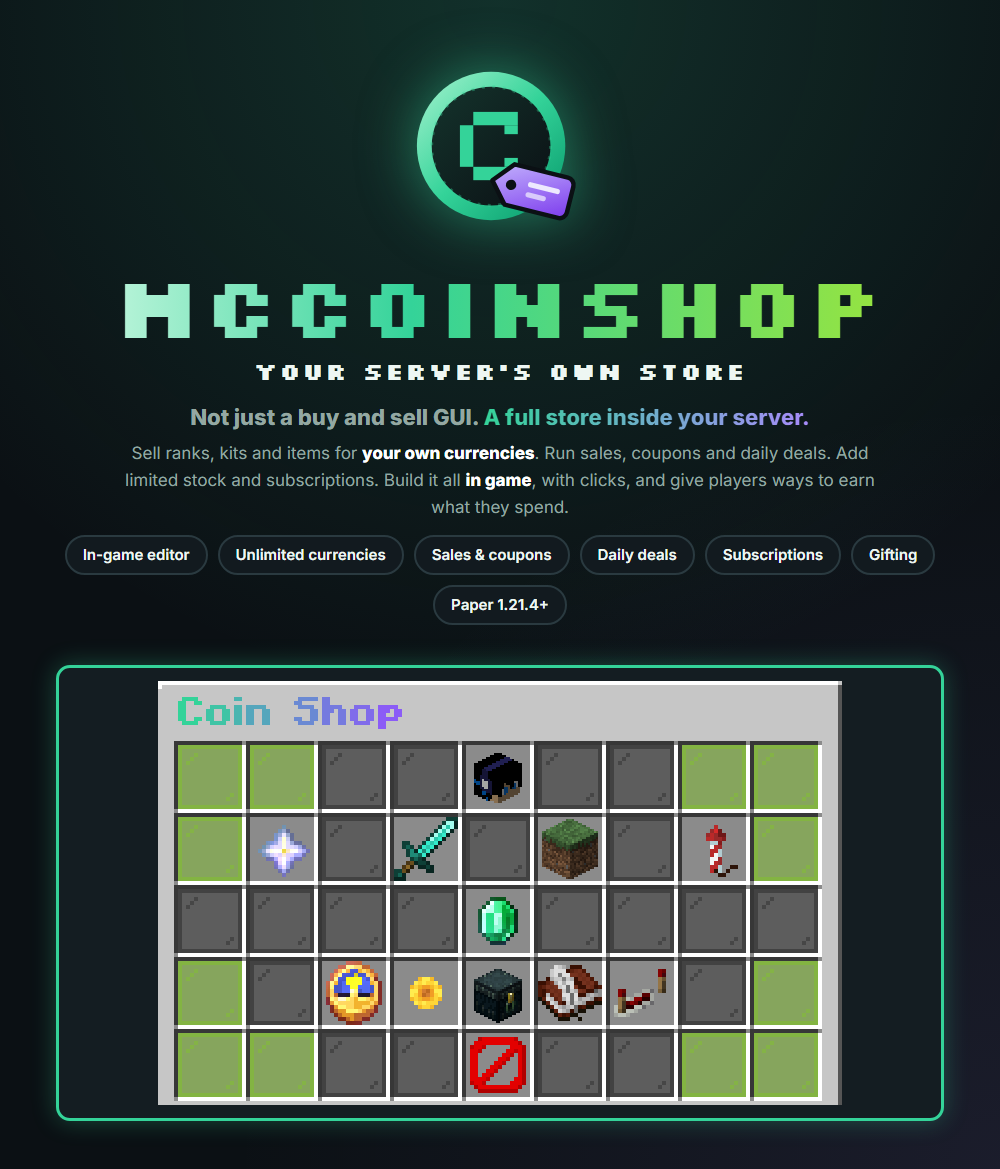
Not just a buy and sell GUI. A full store inside your server.

Not just a buy and sell GUI. A full store inside your server.

Sell ranks, kits and items for your own currencies. Run sales, coupons and daily deals. Add limited stock and subscriptions. It works right away with a ready-made shop, and it needs no other plugins and no database server.

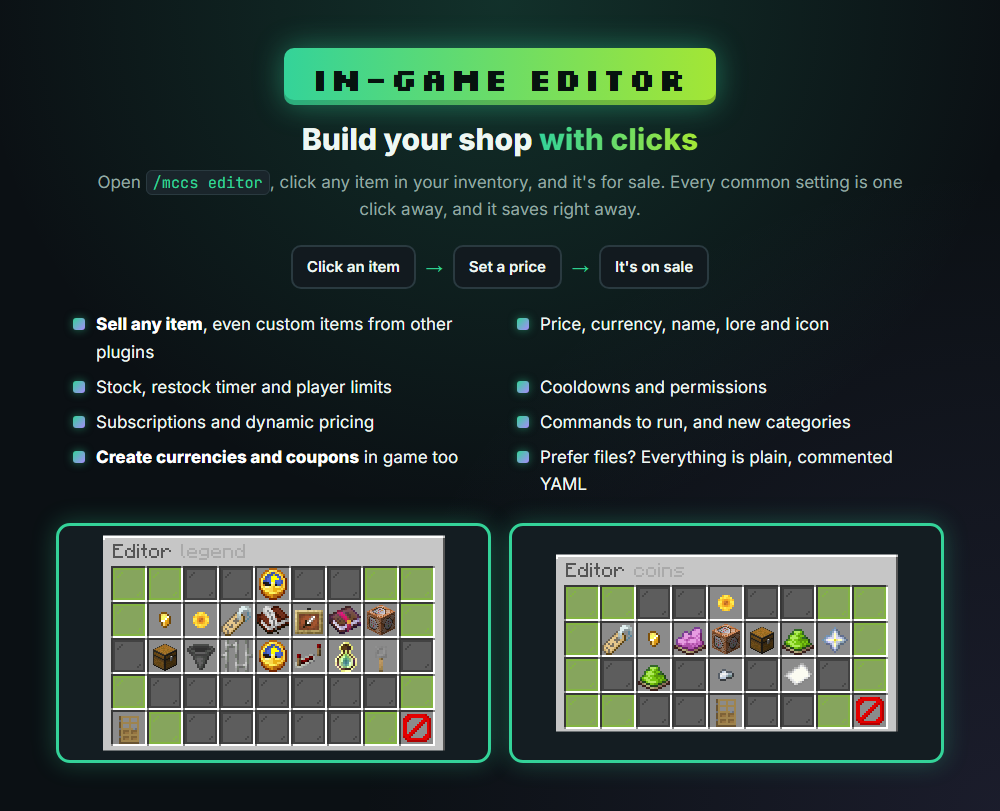
Build your shop with clicks

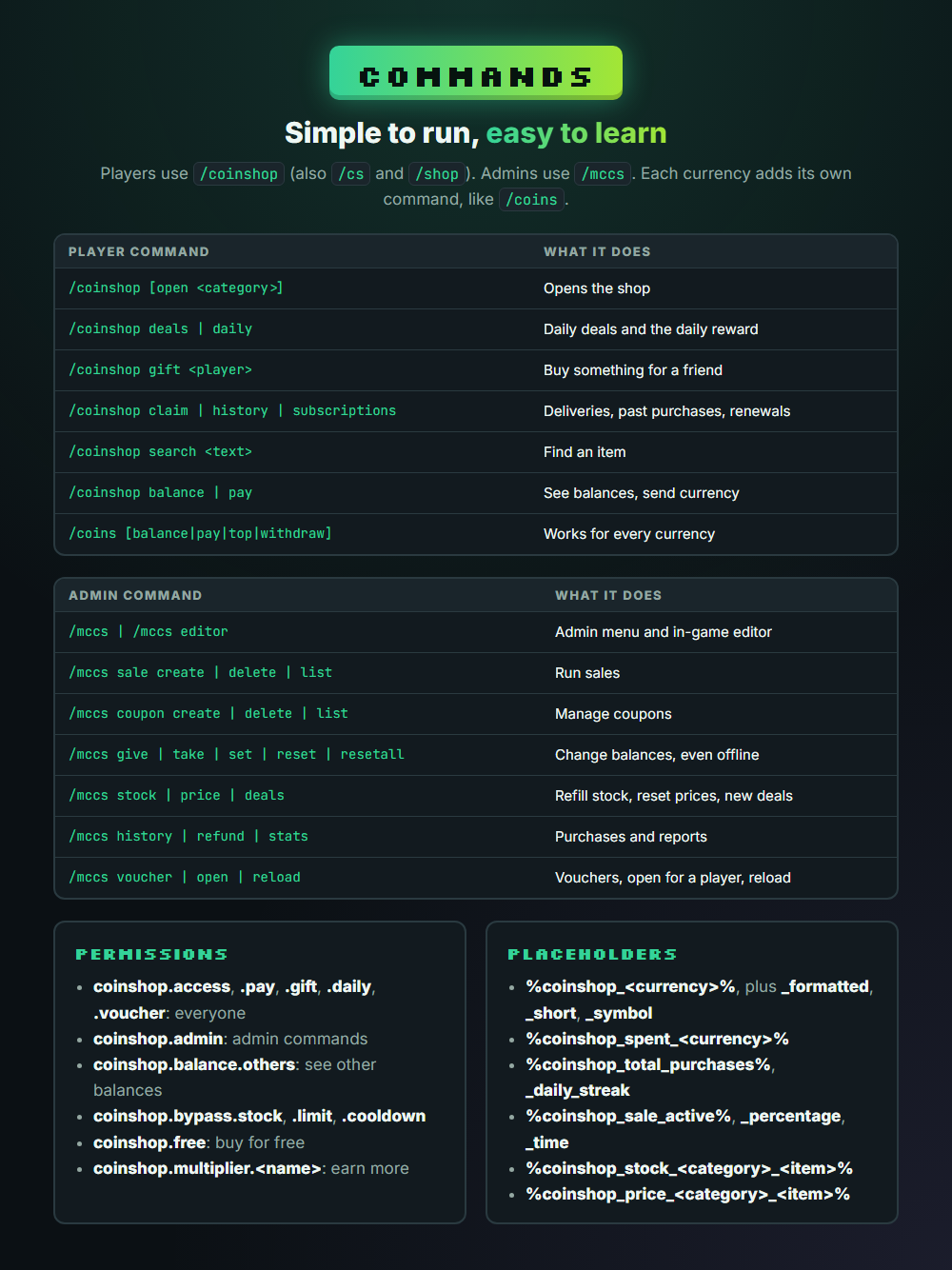
Open /mccs editor and click any item in your inventory. It's now for sale, with its name, lore and enchantments intact, even if it comes from another plugin. Set the price, currency, stock, restock timer, limits, cooldown, permission, commands and more from one menu. Currencies and coupons are made in game too. Changes save right away. If you prefer files, everything is plain, commented YAML.

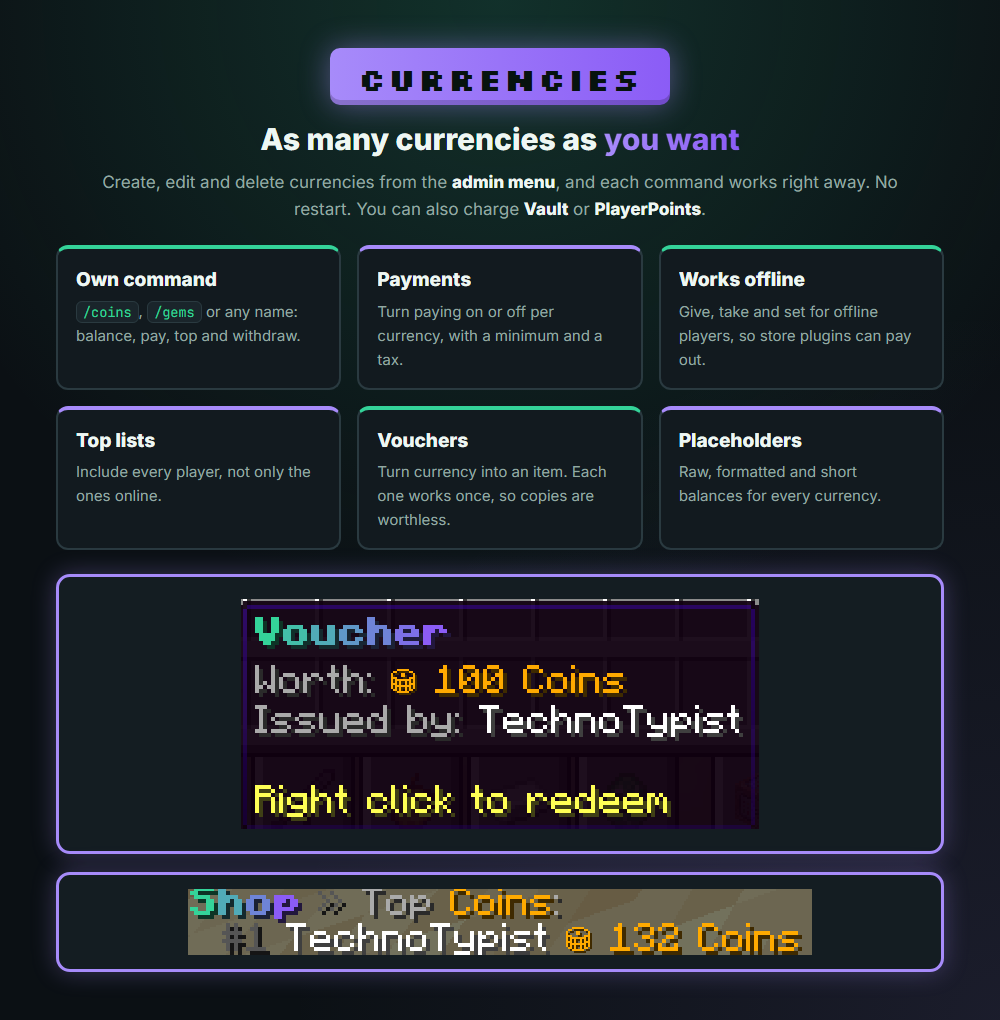
As many currencies as you want

Create, edit and delete currencies from the admin menu, and each command works with no restart. Each one has balance, pay, top and withdraw. Set a minimum and a tax on payments, or turn payments off. You can also charge Vault or PlayerPoints. Admin commands work on offline players, so store plugins can pay out. Players can turn currency into voucher items, and each voucher works only once.

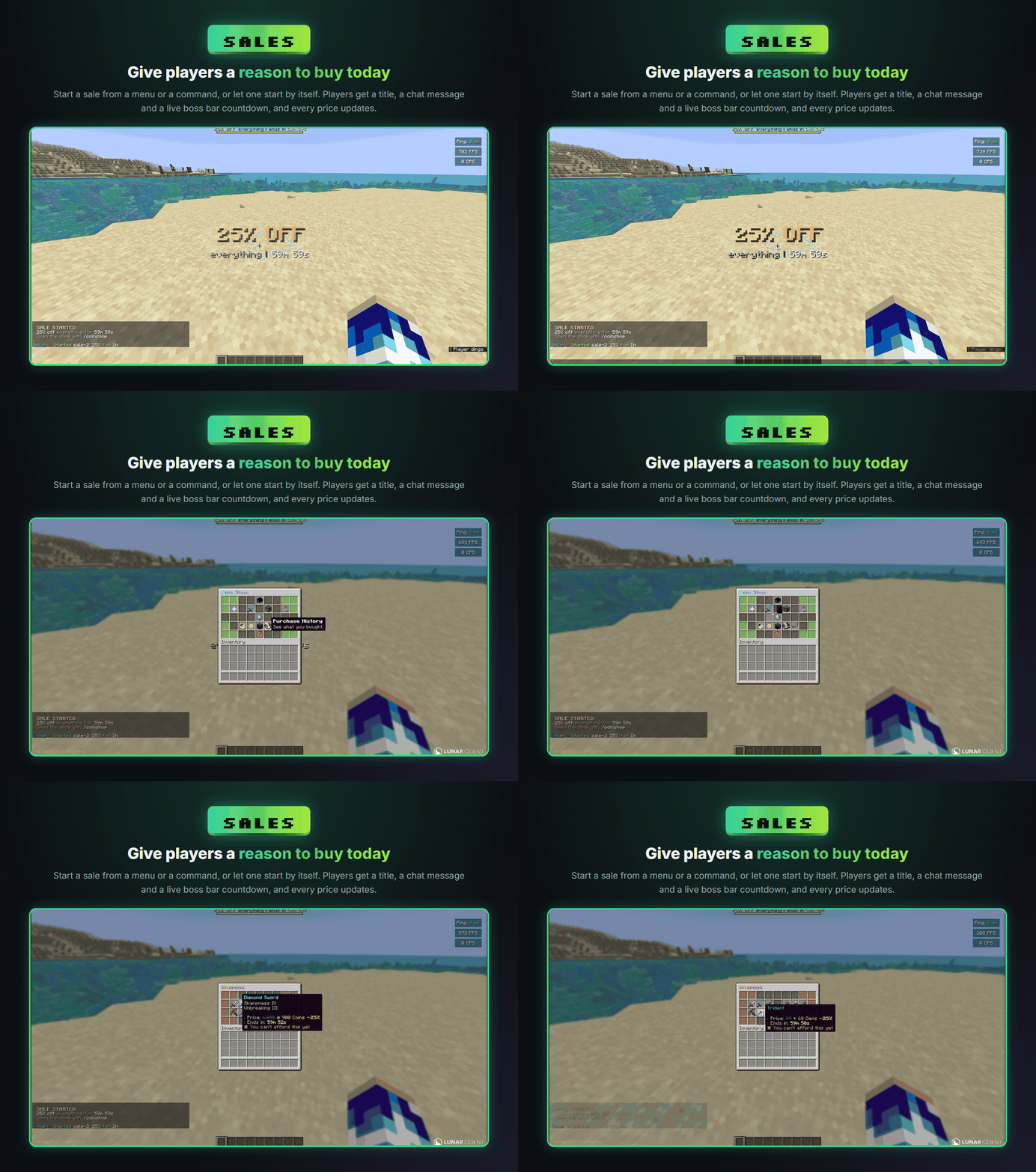
Give players a reason to buy today

Start a sale from a menu or a command. Players get a title, a chat message and a live boss bar countdown, and every price in the shop updates.

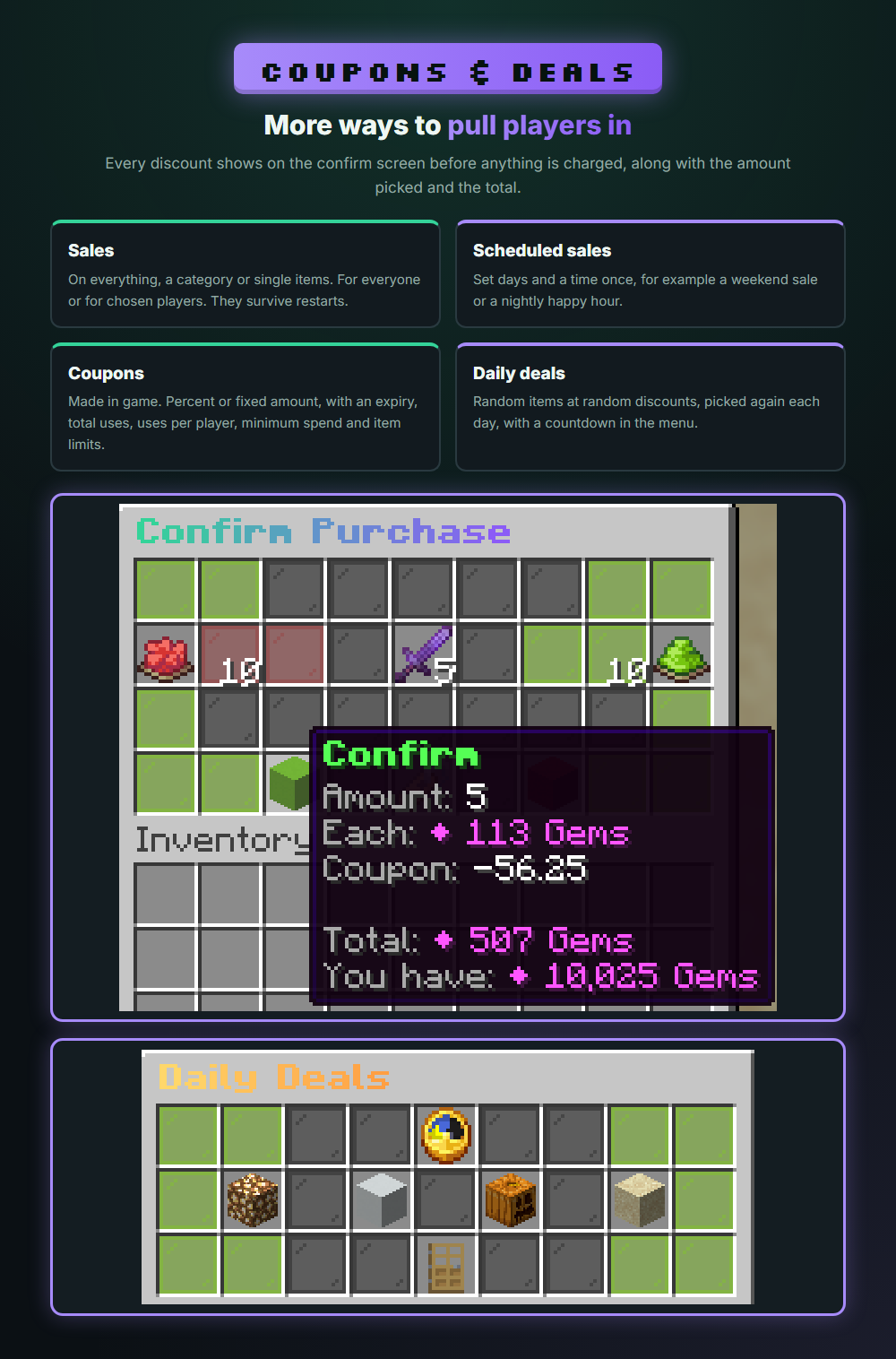
More ways to pull players in

Sales can cover everything, a category or single items, for everyone or for chosen players. Scheduled sales start by themselves, like a weekend sale or a nightly happy hour. Coupons are made in game and can be a percentage or a fixed amount, with an expiry, total uses, uses per player, minimum spend and item limits. Daily deals pick random items at random discounts each day.

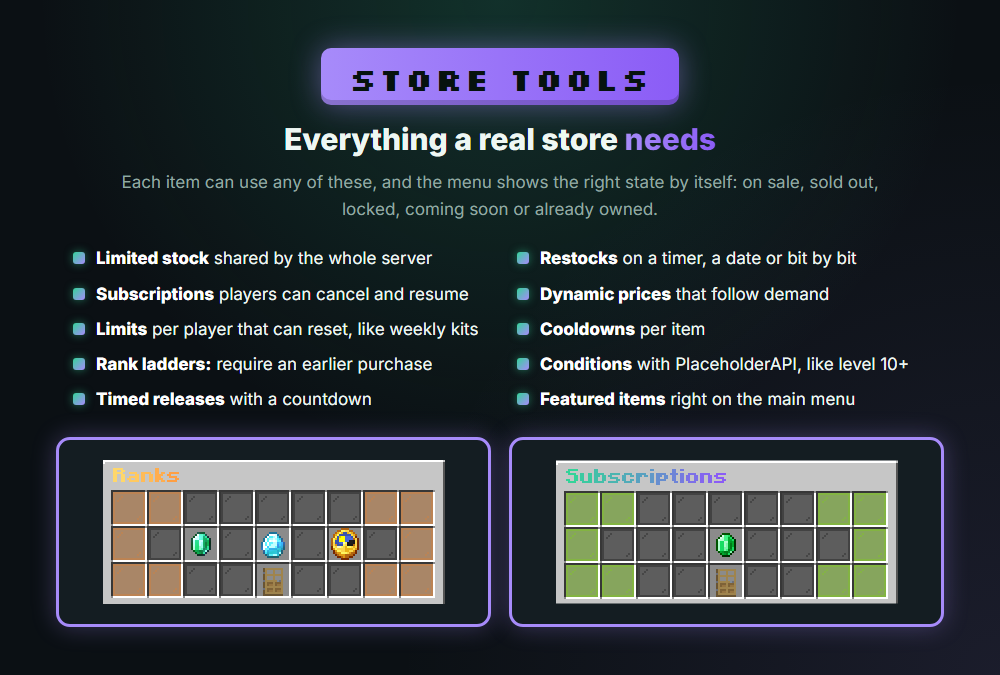
Everything a store needs

Each item can use limited stock, restocks, subscriptions, dynamic prices, player limits that reset, cooldowns, rank ladders, PlaceholderAPI conditions and timed releases with a countdown. The menu shows the right state by itself: on sale, sold out, locked, coming soon or already owned. Items lay themselves out, and new pages appear when you need them.

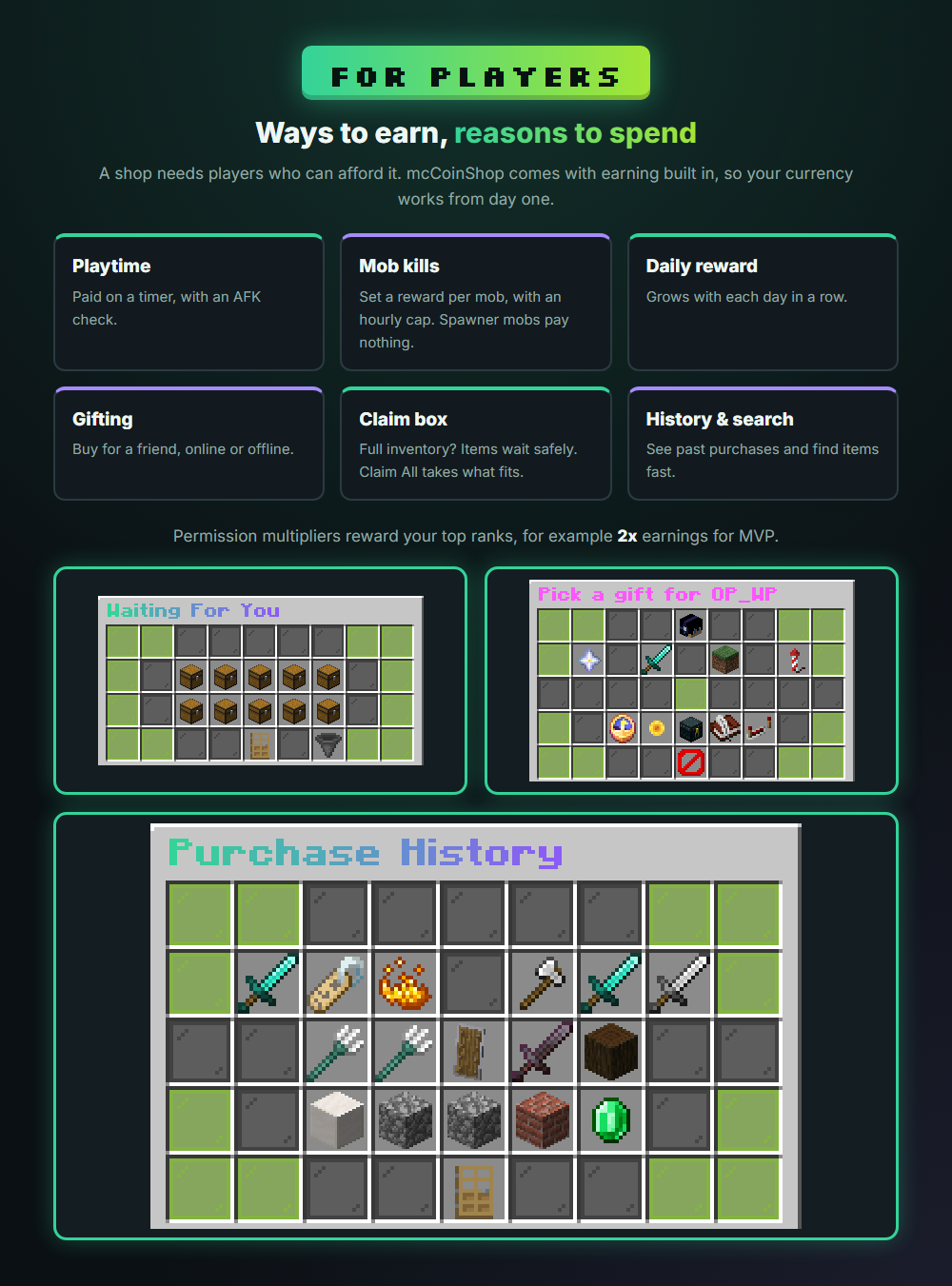
Ways to earn, reasons to spend

A shop needs players who can afford it. Players earn from playtime with an AFK check, from mob kills with an hourly cap, and from a daily reward that grows with their streak. Permission multipliers reward your top ranks. Players can also gift items to friends, online or offline, search for items, and see their history. The confirm screen shows the amount picked on the stack, what they get, and the most they can afford. If an inventory is full, items wait in the claim menu, so nothing is lost.

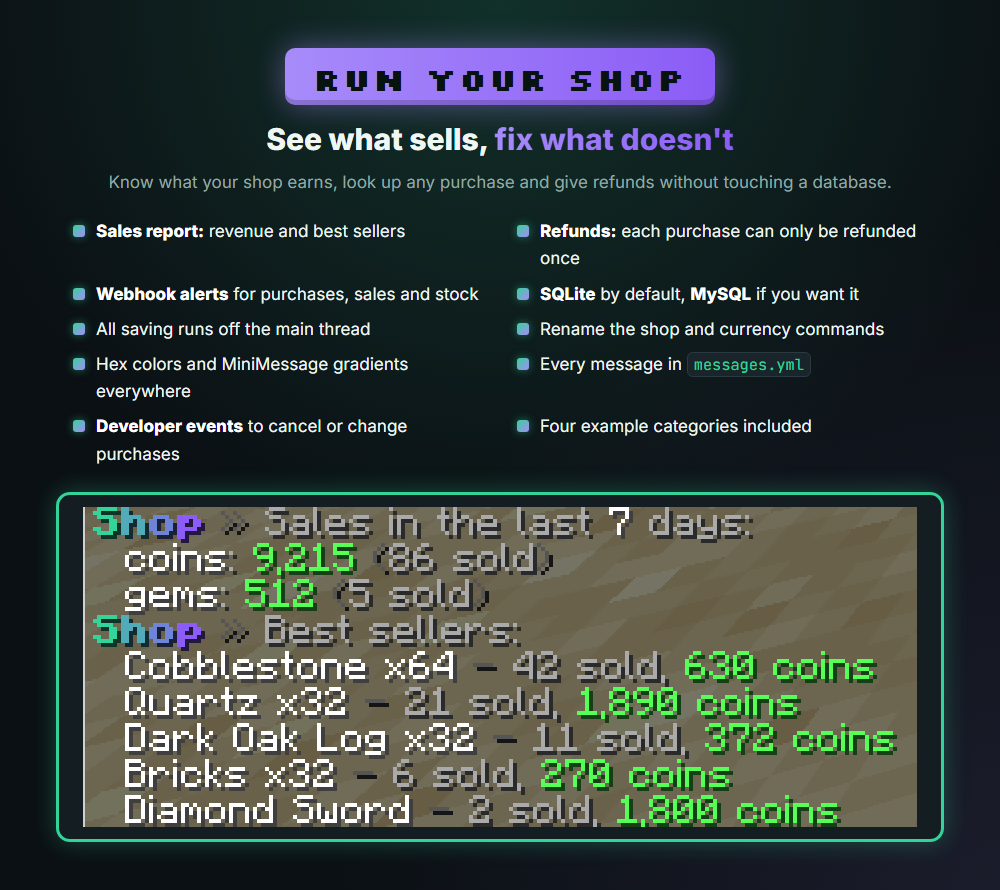
See what sells, fix what doesn't

/mccs stats shows revenue and best sellers. Look up any player's purchases and refund them, and each purchase can only be refunded once. Get webhook alerts for purchases, sales and stock. Data is stored in SQLite with no setup, or in MySQL if you want. All saving runs off the main thread. Developers can cancel or change purchases with events.

Changelog

v2.0.0

mcCoinShop 2.0.0: rebuilt from the ground up
Delete your old guis folder before starting. Balances and purchase counts import by themselves.

New for admins
• In-game shop editor (/mccs editor): click any item to sell it
• Admin menu (/mccs) with a sale builder
• Currency editor: create, edit and delete currencies in game, with no restart
• Coupon editor: create, edit and delete coupons in game
• Sales report (/mccs stats)
• Refunds and purchase lookup
• Scheduled sales and a boss bar countdown
• Rank ladders, PlaceholderAPI conditions, limits that reset, and per-item cooldowns
• Automatic pages and price lines
• Developer events to cancel or change purchases

New for players
• Confirm screen with quantity buttons and the full price
• The stack shows the amount you picked, even for swords and other items that don't stack
• See what you get and the most you can afford, with Reset and Buy The Most buttons
• Coupons
• Daily deals
• Gifting to online and offline players
• Menus for purchase history, subscriptions and waiting items
• Claim All button that collects as much as fits
• Cancel and resume subscriptions
• Item search and vouchers
• Earn currency from playtime, mob kills and a
v1.0.12

Added Featured Packages system for displaying select packages directly in the main /coinshop GUI.
Featured packages are configured in guis/featured_packages.yml, using the same format and options as category items.
Slots used for featured packages must correspond to empty slots defined in main.yml, as main.yml has slot/page priority.
Featured packages support all normal item features, including:
Custom Model Data
Stock limits
Dynamic pricing
Sales and discounts
Allows showcasing specific packages immediately to players without requiring them to open a category GUI.

v1.0.11

- Configured all GUI's nicer

v1.0.10

Added item permission system allowing permissions to control visibility or purchase access.
New item settings added:
permission – defines the required permission node.
permission-mode – "view" or "purchase".
View mode:
If the player lacks permission, the item is hidden.
Optionally replaced with a filler item or left empty in the GUI.
Purchase mode:
Adds purchase-display-item (displayed if lacking permission).
Adds purchase-display-click-permission (temporary item shown if clicked without permission).
Configurable reset delay (default 3 seconds) within the specific item’s configuration section.
Added two example configurations in cosmetics.yml:
Example 1 – item requiring permission to view.
Example 2 – item requiring permission to purchase.
Added command to reset all player balances to the default currency amount.
Requires confirmation by repeating the command before execution to prevent mistakes.
Removed unnecessary settings from config.yml:
"fill-empty-slots: true" and "fill-item: BLACK_STAINED_GLASS_PANE"
"items-per-page: 28"

v1.0.9

Added Preview/New Items system: items can now be displayed in the store before being purchasable.
Added preview mode toggle and publish-date/time-until-unlock options in config.
Implemented countdown timer showing time left until an item becomes purchasable.
Useful for limited-stock items or timed releases where players can prepare before launch.
Added preview-click item: temporary item shown when players attempt to buy previewed items.
Configurable reset delay (default: 3 seconds) before reverting to normal item.
Added “preview-item” configuration section allowing customization of previewed item’s appearance (name, lore, material, etc).
Included two example configurations:
One with a specific date unlock.
One with a time-until unlock.
Fixed player-specific sale ending message bug where the “Items” placeholder was blank when sale applied to all items.
Improved sale-ending system by allowing multiple ending messages/titles, similar to start messages.

v1.0.8

New sale selectors: categories AND items, mixed allowed. If none provided → all
Commands: - /mccoinshop sale create [categories/items] [users] - /mccoinshop sale create-global [categories/items]
Tab completion: now suggests all category IDs and all item IDs (comma-aware) for create and create-global
Full history on BuiltByBit

More from TechnoTech