
#Overview
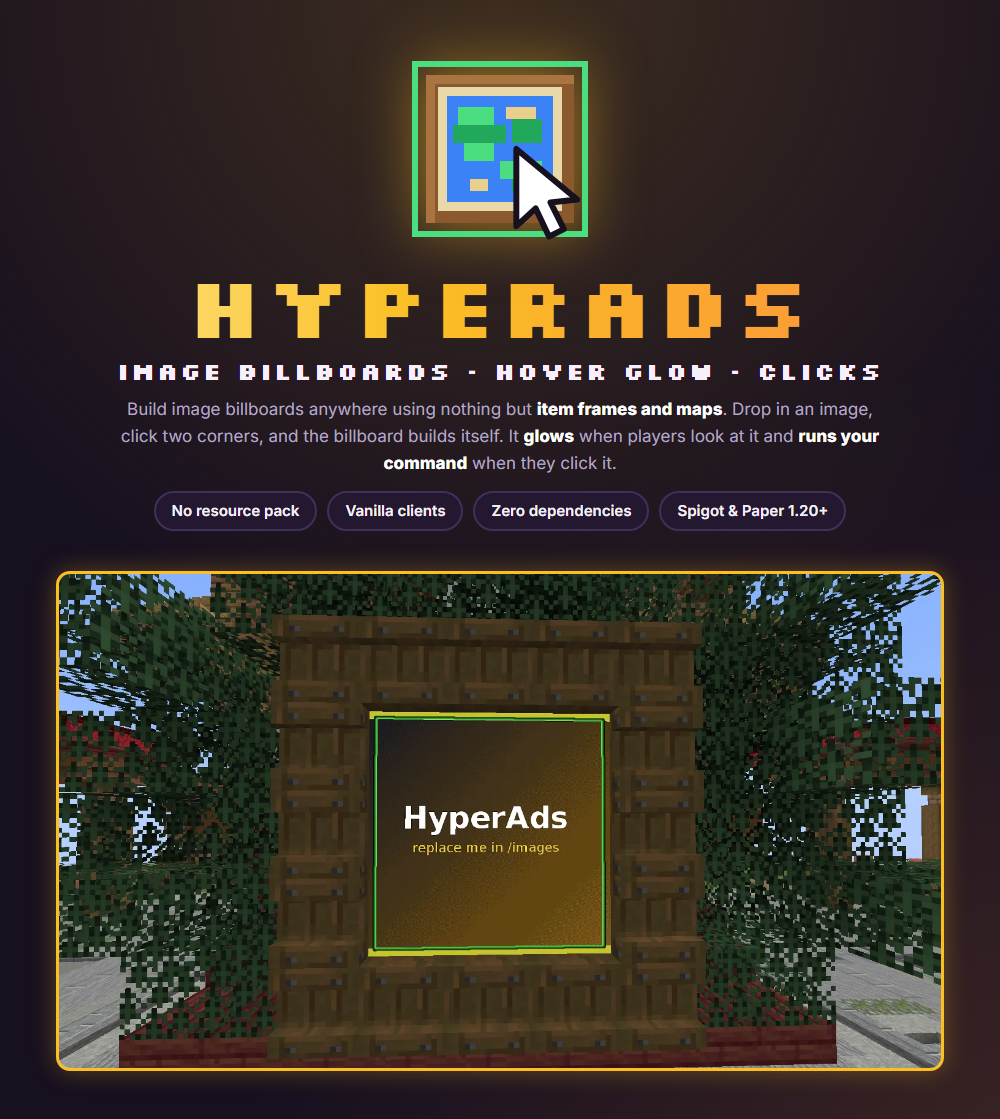
HyperAds turns any flat wall into an image billboard. You drop an image in a folder, click two corner blocks, and the plugin places every item frame and map for you (up to 400 frames per billboard). Players who aim at a billboard see a clean glowing outline, and a left click can run a command, which makes it a good fit for store links, vote links, rules boards and promotions.
It uses only item frames and maps. There is no resource pack, no client mod and no other plugin to install.
HyperAds only shows still images. Video billboards, synced audio, playlists, sponsor pools and analytics are in the paid HyperAds+. See Free vs Plus.
#Installation
Requirements
- Spigot or Paper 1.20 or newer
- Java 17 or newer
- Nothing else: no other plugins, no resource pack and no client mods are needed.
Steps
- Put the HyperAds jar in your server's
plugins/folder. - Restart the server. The plugin creates
plugins/HyperAds/with animages/folder and its config files, includingmessages.yml. - Copy your images into
plugins/HyperAds/images/. - Run
/ha reloadto reload configs and refresh the images.
Everything lives under /ha. The aliases /hyperads, /hads and /ads work the same way.
#Creating billboards
A billboard is a rectangle of item frames, each holding a map that shows one tile of your image.
Create one
- Put the image in
plugins/HyperAds/images/and run/ha reload. - Run
/ha create <name> [image]. - Click the first corner block of the wall area, then the opposite corner block. Every frame and map is placed for you.
If you change your mind during the selection, run /ha abort to cancel it.
Supported images
PNG, JPG, BMP and GIF. A GIF shows its first frame only. A billboard can use up to 400 frames, and it works on any flat wall.
Manage billboards
/ha edit <name> image <image>swaps the image at any time./ha move <name>lets you click two new corners to move it./ha delete <name>removes it./ha listshows your billboards and/ha info <name>shows the details of one.
Players cannot break or rotate the frames of a billboard.
Run /ha test to place a numbered 4x4 test billboard. It shows exactly how the maps tile together, which helps if a wall does not look right.
#Hover glow
When a player aims at a billboard, a clean glowing outline appears around it. It uses no particles.
- Set the color per billboard with
/ha edit <name> color <color>. You can use a color name or a hex code, which is matched to the closest glow color. - Use
NONEto turn the glow off for that billboard. - You can set how far away players can see the glow and click, in blocks.
The glow range and the other tunable values live in the plugin's config files in plugins/HyperAds/. Each file is commented, so open it to see the exact option names for your version.
#Click commands
Each billboard can run one left-click command, even from far away.
Set or clear it
/ha edit myad command console give %player% diamond 1
/ha edit myad command player spawn
/ha edit myad command clearconsoleruns the command as the server console.playerruns it as the player who clicked.clearremoves the command.%player%is replaced with the name of the player who clicked.
Cooldown
To stop spam, clicks have a configurable cooldown. Decimal values such as 0.5 seconds are allowed.
A console command runs with full permissions. Only use commands you trust, and prefer player mode when a normal command is enough.
#Map quality
Maps only have a limited color palette, so HyperAds applies three optional tweaks to make map art look its best:
- Saturation boost
- Sharpening
- Dithering
You can tune all three in the config. If an image looks washed out or blotchy, try changing these values and run /ha reload.
#Free vs Plus
HyperAds is the simple way to put clickable images on your walls. HyperAds+ is the upgraded version with video, sound and a full ad network. Both use the same /ha command and the same permission.
| Feature | HyperAds (free) | HyperAds+ (paid) |
|---|---|---|
| Image billboards | Maps | Full-resolution resource pack rendering |
| Hover glow | Yes | Yes |
| Click commands | One per billboard | Left and right click, per ad |
| Video billboards | No | MP4, MOV, GIF, frames, up to 20 fps |
| Synced audio | No | Positional, in sync, 0 to 200% volume |
| Rotation playlists | No (one static image) | Playlists with commands per entry |
| Scheduling | No | Dates, time windows, days of the week |
| Sponsor slots and pools | No | Sell ad space across many screens |
| Per-ad limits | No | Plays, clicks, airtime, expiry |
| Billboard groups | No | Settings for many billboards at once |
| Click analytics | No | Views, left and right clicks, placeholders |
| GUI editor | No (commands and config) | Every setting, in game |
| Clone, import, export | No | Copy billboards, move between servers |
#Commands
Everything lives under /ha. Aliases: /hyperads, /hads, /ads. All commands need hyperads.admin.
| Command | What it does | Permission |
|---|---|---|
| /ha create <name> [image] | Click two opposite corner blocks to build a billboard. | hyperads.admin |
| /ha move <name> | Click two new corners to move a billboard. | hyperads.admin |
| /ha edit <name> image <image> | Swap the image. | hyperads.admin |
| /ha edit <name> color <color> | Set the glow color by name or hex code, or NONE to turn it off. | hyperads.admin |
| /ha edit <name> command <console|player> <command> | Set the left-click command. %player% is the clicker. | hyperads.admin |
| /ha edit <name> command clear | Remove the click command. | hyperads.admin |
| /ha delete <name> | Delete a billboard. | hyperads.admin |
| /ha test | Place a numbered 4x4 test billboard. | hyperads.admin |
| /ha abort | Cancel a corner selection. | hyperads.admin |
| /ha list | List your billboards. | hyperads.admin |
| /ha info <name> | Show the details of a billboard. | hyperads.admin |
| /ha reload | Reload configs and refresh images. | hyperads.admin |
#Permissions
HyperAds has a single permission node. Players do not need any permission to see the glow or click a billboard.
| Permission | What it allows | Default |
|---|---|---|
| hyperads.admin | Use every /ha command. | op |
#Messages and config
Every message the plugin sends can be changed in plugins/HyperAds/messages.yml. After editing, run /ha reload.
The config files are commented. They hold the map quality values (dithering, saturation, sharpening), the glow and click range, and the click cooldown. Open the file for the exact option names in your version.
#Troubleshooting and FAQ
My image is not in the list when I run /ha create.
Check that the file is in plugins/HyperAds/images/ and is a PNG, JPG, BMP or GIF. Then run /ha reload to refresh the images.
The billboard would not build.
The two corners you click must be on the same flat wall, and the billboard cannot be larger than 400 frames. Run /ha test to see how a billboard tiles on that wall.
The maps look washed out or noisy.
Maps have a small color palette. Try adjusting the dithering, saturation and sharpening values in the config, then run /ha reload.
Can players edit or break the frames?
No. Players cannot break or rotate the frames of a billboard.
Does a GIF animate?
No. A GIF shows its first frame. For animated video and sound you need HyperAds+.
I get "no permission".
Give the player hyperads.admin. It is OP by default.
The glow does not appear.
Check the billboard color with /ha info <name>. If it is NONE, set a color with /ha edit <name> color RED. Also check the glow range in the config.
#Updating
- Stop the server.
- Replace the old jar in
plugins/with the new one. - Start the server.
Your billboards, images and messages stay in plugins/HyperAds/. As with any update, copy that folder somewhere safe first. Release notes are on the BuiltByBit page.